bork
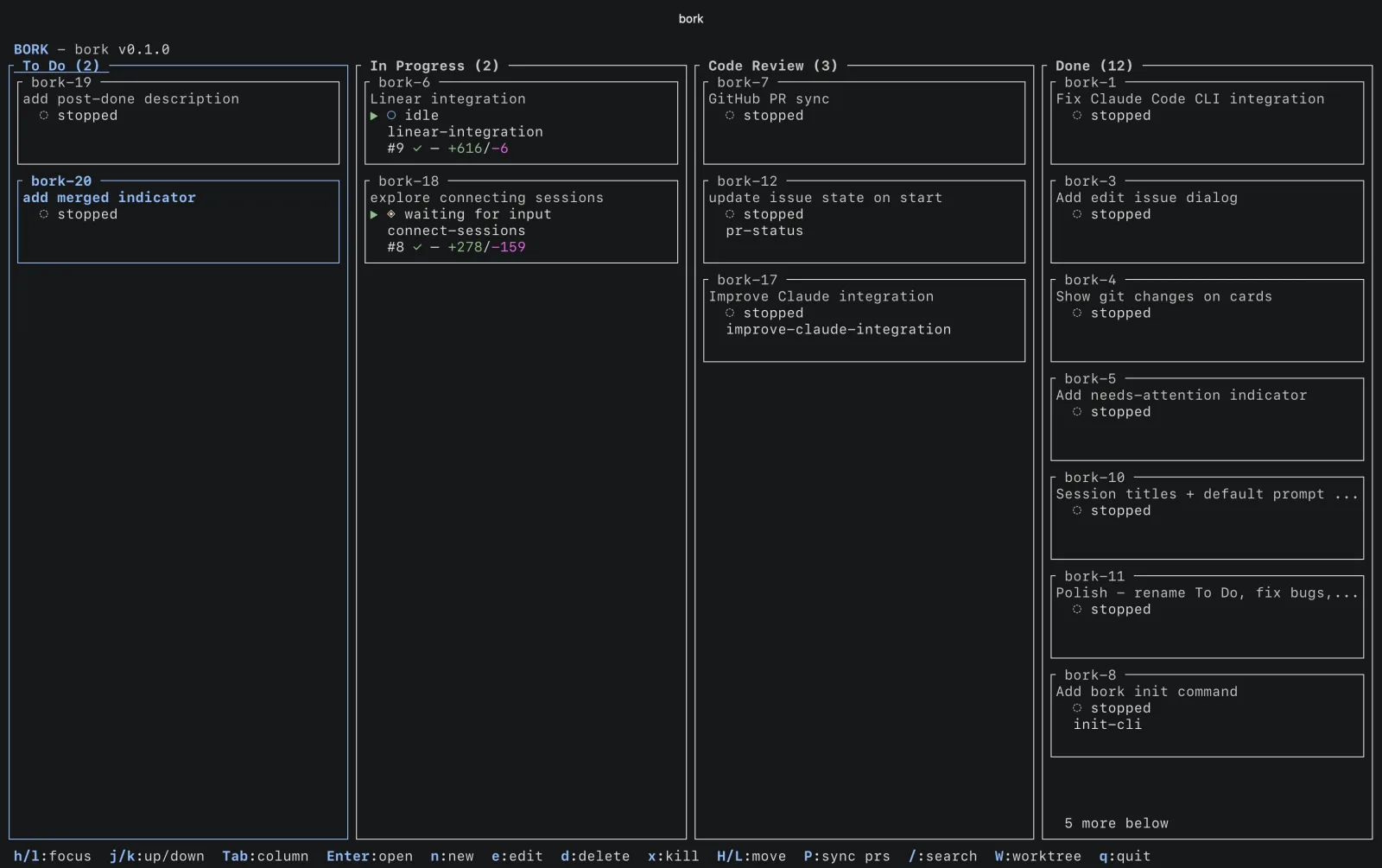
Terminal kanban board for orchestrating AI coding sessions across git worktrees and tmux.
What it does
You make a card, press Enter, and bork creates a git worktree, opens a tmux session and starts your coding agent in it. It works with Claude Code, OpenCode, Codex, Pi and Cursor.
The board shows what each agent is doing (busy, idle or waiting on you), the PR status and the git changes, so you can keep several things going without losing track.
Install
bork builds from source. You need tmux, git, a Rust toolchain and at least one coding agent.
git clone https://github.com/villads-valur/bork.git
cd bork
cargo build --release
ln -sf "$(pwd)/target/release/bork" /opt/homebrew/bin/bork
On Linux, link the binary into /usr/local/bin instead. The README has the full setup, commands and config.